WYR
Wireframe animation in your browser.
Turn any OBJ or SVG into moving line art. Trace, dash and glitch every edge, then export it for your edit or your set.
What it does
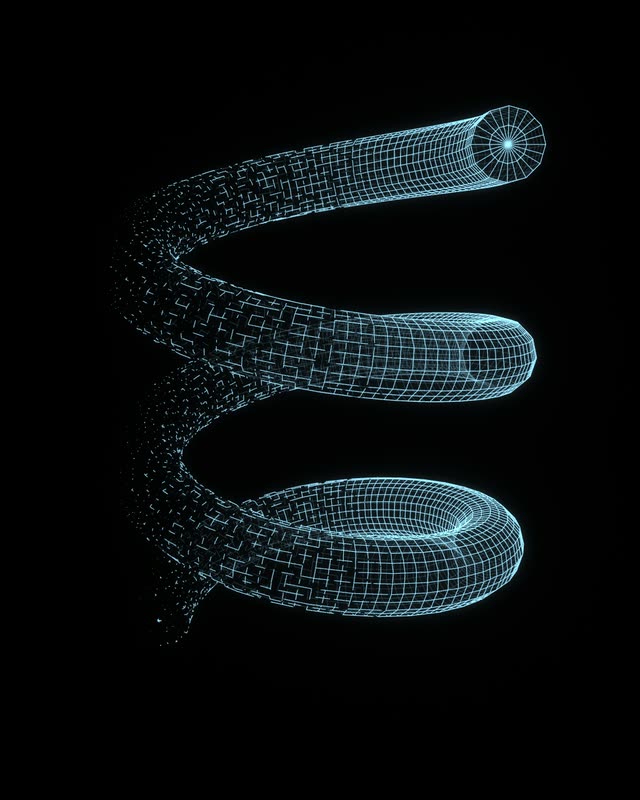
Any OBJ or SVG
Drop in a model or a drawing and WYR finds its edges. Pick several OBJs to play them as one clip.
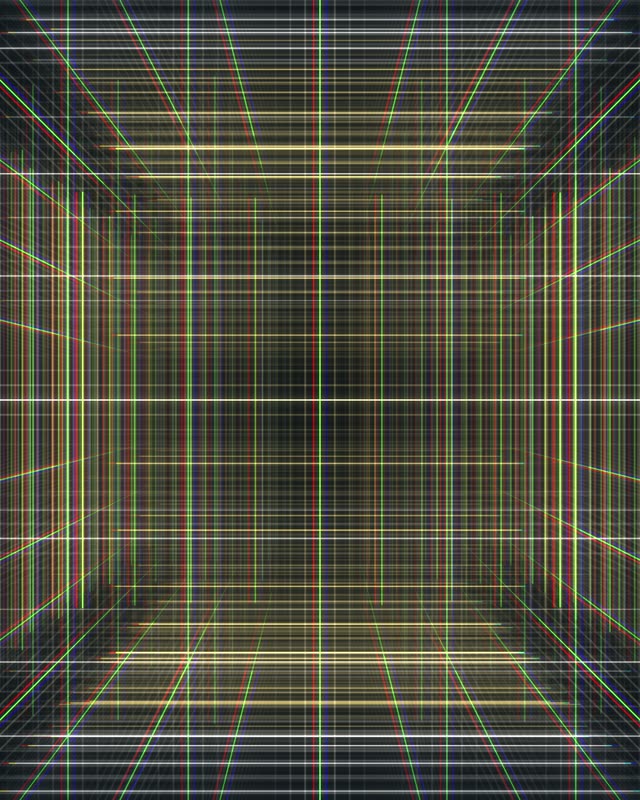
Lines that move
Trace, dash, glitch, explode and distort every edge, with points, depth fade and hidden-line looks.
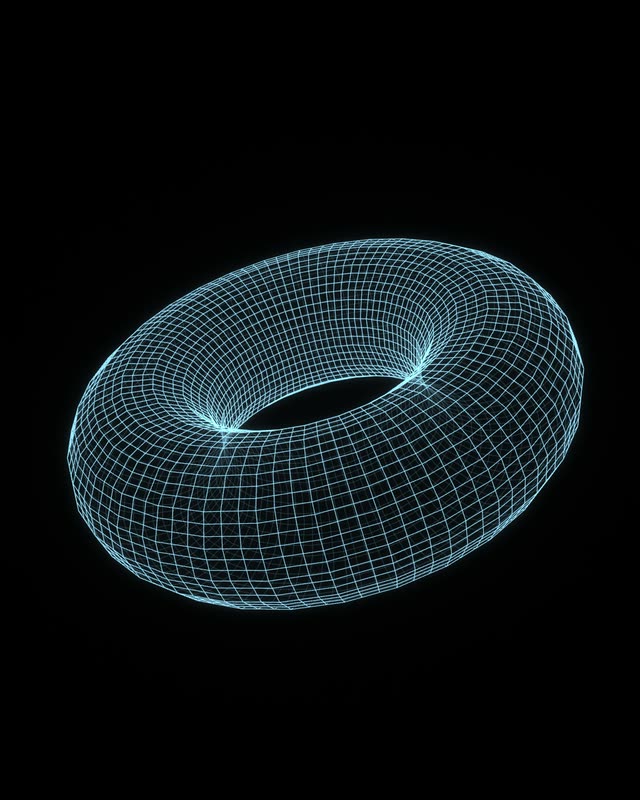
Ready for your edit or set
MP4 at up to 4K, seamless loops that repeat with no visible cut, and PNG stills.
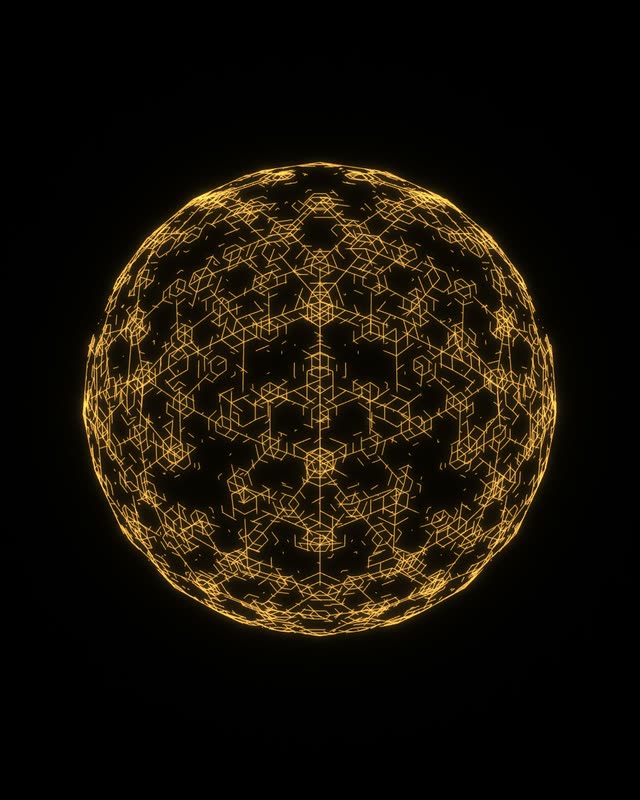
Start in seconds
Twenty built-in shapes and Quick Start looks, so there is something on screen before you import a thing.
Questions
What is WYR?
WYR is a browser-based wireframe animation tool from BIG VISUAL CHILL. It reads the edges of a 3D model or SVG and draws them as lines you can trace, dash, glitch, scatter and light, then plays the result in real time and renders it as video. It runs on your graphics card through WebGPU, so there is nothing to download.
Is WYR free?
Yes. WYR is free to use in your browser, with nothing to install.
What can I bring into WYR?
OBJ models and SVG artwork. You can also pick several OBJ files at once to play them as one animated clip, one file per frame, or start from one of twenty built-in shapes in the New composition dialog.
What can I export from WYR?
MP4 video at 720p, HD or 4K, at 24, 30 or 60 fps, made right in your browser, and PNG stills of the frame on screen. Loops can be rendered to repeat with no visible cut.
Which browsers does WYR work in?
Any browser with WebGPU: Chrome, Edge, Safari 17.4 or later, and Firefox with WebGPU turned on. It is built for a desktop or laptop screen.
Can I share what I make?
Yes. Share a composition with a link that opens in any WebGPU browser, where others can watch it or remix it in WYR.